E-invoicing under GST: who needs it and how it works
By the BillSakha team ·
Who must issue GST e-invoices (turnover above ₹5 crore), what the IRN and QR code are, the 30-day upload limit, and how to make one step by step.
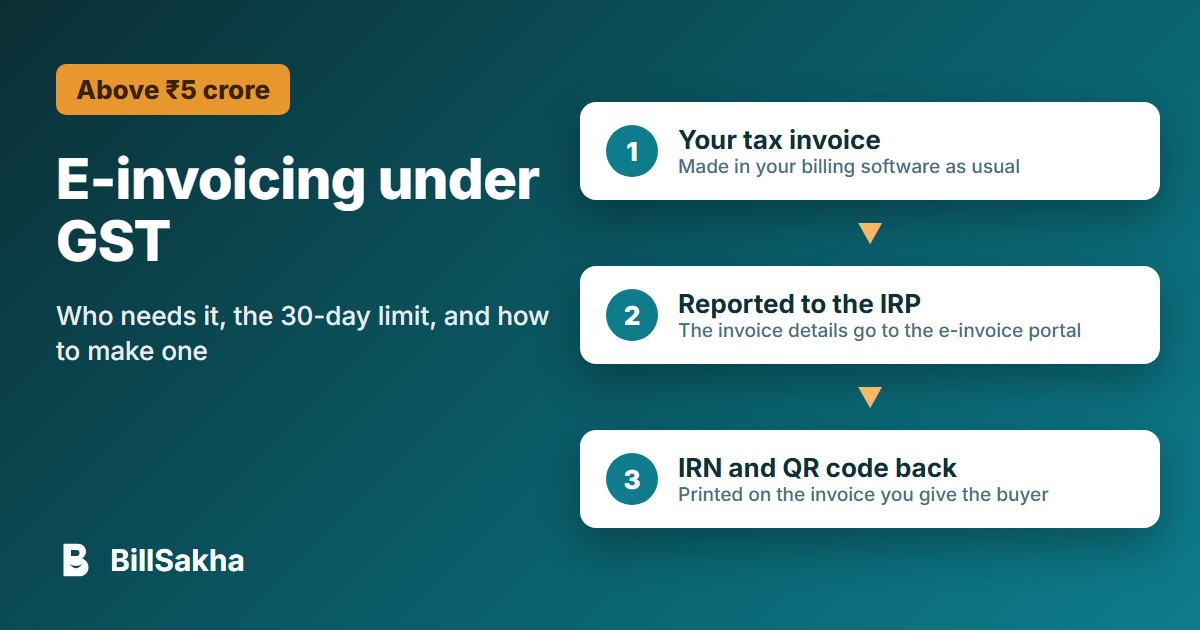
An e-invoice is not a new kind of bill. It is your ordinary tax invoice, reported to a government portal that checks it and gives it a unique number. Here is who has to do it, what it involves, and how it fits into billing.
Who needs to issue e-invoices
Since 1 August 2023, a registered business must issue e-invoices if its aggregate turnover crossed ₹5 crore in any financial year from 2017-18 onwards. It applies to invoices, credit notes and debit notes for sales to registered businesses (B2B).
Sales to customers who are not registered (B2C) are not e-invoiced.
Once your turnover has crossed the limit in any year, the rule applies to you from then on, even if a later year is lower.
Some kinds of business are exempt from e-invoicing; check whether yours is one with your accountant.
If your turnover is close to ₹5 crore, check the full notification and its exceptions with your accountant before you rely on this summary.
What happens to an e-invoice
You make the invoice in your billing software as usual.
The invoice details go to the e-invoice portal (the IRP) in the government's JSON format.
The portal checks it and gives back an Invoice Reference Number (IRN) and a signed QR code.
The QR code with the IRN goes on the invoice you give the buyer.
The 30-day limit
From 1 April 2025, businesses with an annual aggregate turnover (AATO) of ₹10 crore or more cannot report an invoice to the portal more than 30 days after its date. An invoice dated 1 April must be reported by 30 April; after that the portal refuses it. Report e-invoices the same day you make them, so this never catches you out.
Making an e-invoice in BillSakha
BillSakha prepares the government JSON file from your bill; you upload it on the portal yourself. It does not connect to the portal directly yet.
Open the invoice and find the E-Invoice (IRN) section.
Click Save e-invoice file.
Upload the file on the e-invoice portal (Bulk Upload).
Copy the IRN the portal gives you, then click Enter IRN on the invoice and paste it.
The E-Way Bill file is made the same way from the same invoice. E-invoice and E-Way Bill files come with the bigger plans. See the step-by-step help.
This guide summarises the rules as notified; they change from time to time. Check the e-invoice portal or your accountant for your own case.
Tags: e-invoice, irn, gst
Sources
- GST e-invoice portal: Notification 10/2023-Central Tax (threshold ₹5 crore from 1 August 2023)
- GSTN advisory: time limit for reporting e-invoices, AATO ₹10 crore and above (copy on the Maharashtra GST website)
- CBIC: CGST Rules, Rule 46 (QR code with the IRN on the invoice)